

App development can be categorized in several key ways, primarily by the technology used and the target platform. Here’s a comprehensive breakdown of the different types of app development.
1. By Technology / Development Approach
This is the most common way to classify app development, focusing on the underlying code and how the app is built.
a) Native App Development
This involves creating an app specifically for a single mobile operating system (OS), like iOS or Android. The app is built using platform-specific programming languages and tools.
- iOS Native Apps:
- Languages: Swift, Objective-C
- Tools: Xcode (Apple’s official IDE)
- Pros: Superior performance, best user experience (seamless integration with iOS), full access to device features (camera, GPS, etc.), high security.
- Cons: Only works on Apple devices (iPhone, iPad), requires a separate codebase from Android, development and maintenance can be more expensive.
- Android Native Apps:
Best for: Apps requiring high performance (games, complex animations), intensive use of device hardware, or where a premium, platform-specific user experience is critical.
b) Cross-Platform App Development
This approach allows developers to write code once and deploy it on multiple platforms (iOS and Android). This has become extremely popular.
- Hybrid Apps: These are essentially web apps (built with HTML, CSS, JavaScript) wrapped in a native container using a framework like Apache Cordova or Ionic. They run in a WebView but can access some native device features through plugins.
- Pros: Single codebase for all platforms, faster development, lower cost, leverages web development skills.
- Cons: Lower performance than native, limited access to native device features, user experience can feel less polished.
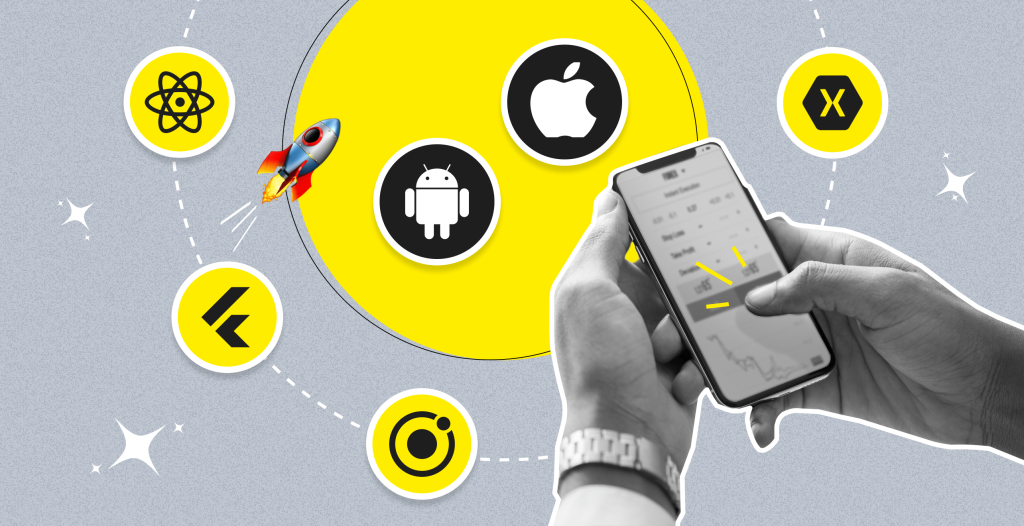
- Compiled Cross-Platform Apps (Modern Approach): These frameworks compile code to truly native performance. They are the current standard for cross-platform development.
- React Native (by Facebook): Uses JavaScript and React to build a native app. The code is translated into native views.
- Flutter (by Google): Uses the Dart language and compiles to native ARM code. It paints its own UI components, ensuring consistency across platforms.
- Xamarin (by Microsoft): Uses C# and the .NET framework to create native apps.
Best for: Most business applications, MVPs (Minimum Viable Products), and apps where development speed, cost-efficiency, and consistency across platforms are priorities.
c) Web Apps (Progressive Web Apps – PWAs)
These are not “apps” in the traditional sense that you download from an app store. They are websites that look and feel like a native mobile app. They are accessed through a web browser but can be “installed” on the home screen.
- Technology: Built with standard web technologies (HTML5, CSS, JavaScript).
- Pros: No app store approval needed, works on any device with a browser, easy to update (just update the website), much smaller than a native app.
- Cons: Limited access to device features (though improving), performance can be lower, cannot be distributed in app stores (though this is changing).
Best for: Content-driven sites, e-commerce platforms, and businesses that want a mobile presence without the overhead of app store maintenance.
2. By Target Platform
This is a simpler categorization based on where the app will run.
- Mobile App Development: The most common type, targeting smartphones and tablets (iOS, Android).
- Desktop App Development: Applications built for desktop operating systems like Windows, macOS, and Linux. Examples include Microsoft Word, Photoshop, and Slack’s desktop client.
- Web App Development: Applications that run in a web browser. They can be as simple as a blog or as complex as Google Docs or Figma.
- TV & Wearable App Development: A niche but growing area, involving apps for Smart TVs (e.g., Apple TV, Android TV), smartwatches (Apple Watch, Wear OS), and other wearables.
3. By Target User / Business Function
This classification focuses on the app’s purpose and audience.
- Consumer Apps (B2C): Designed for the general public. They are often focused on entertainment, social connection, or daily tasks.
- Examples: Instagram, TikTok, Uber, Spotify.
- Business Apps (B2B/B2E): Designed for businesses and their employees to improve productivity and internal processes.
- Examples: Salesforce, Slack, Asana, custom inventory management systems.
- E-commerce Apps: Focused on online shopping and retail.
- Examples: Amazon, Shopify store apps.
- Lifestyle & Utility Apps: Serve a specific purpose in a user’s daily life.
- Examples: Fitness trackers (Fitbit, MyFitnessPal), banking apps, weather apps.
- Gaming Apps: The most popular category by downloads, focused on entertainment.
- Examples: Candy Crush, PUBG Mobile, Among Us.
How to Choose the Right Type?
Here is a simple decision framework:
- Define Your Goals & Audience:
- Who are your users? (iOS, Android, or both?)
- What is the core functionality? (Does it need high performance or native device features?)
- Consider Budget & Timeline:
- Native: Higher cost and time (two separate apps).
- Cross-Platform: Lower cost and faster time-to-market (one codebase).
- PWA: Lowest cost and fastest for a basic presence.
- Evaluate Required Features:
- Does your app need the camera, GPS, Bluetooth, or complex graphics? Native is often best.
- Is it a content-based app with standard UI? Cross-Platform or PWA might be perfect.
- Think About Maintenance:
- Maintaining two native codebases is more work than maintaining one cross-platform codebase.
In summary, there is no single “best” type. The right choice is a strategic decision based on your specific project requirements, target audience, budget, and long-term goals.